Property management software
Property Management Platform: Modernising for Independent Releases
We work alongside the engineering team of a property management software company, moving one large application to separate services that can be released and fixed independently, one business area at a time.
All case studies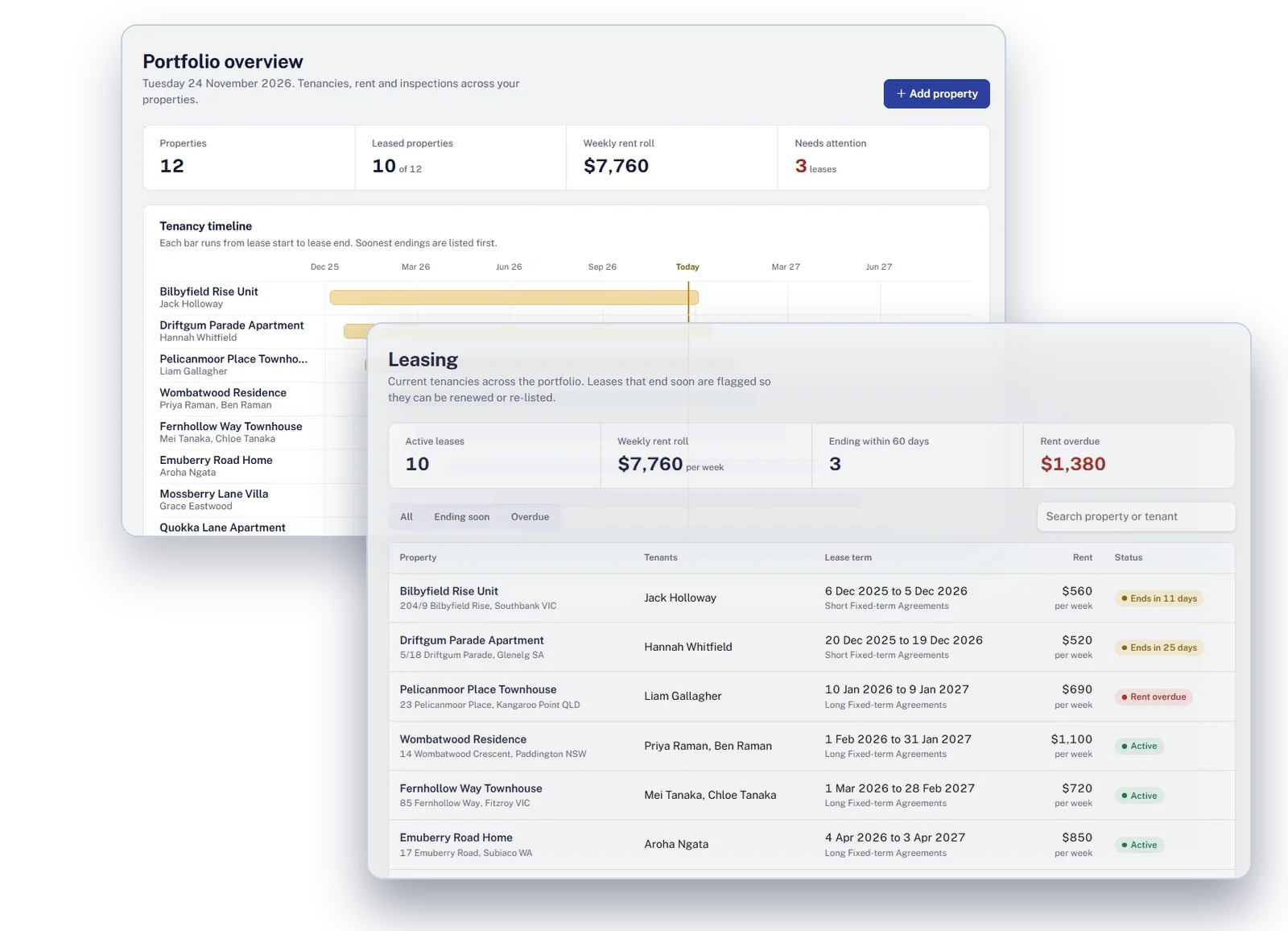
Problem
A property management software company runs a platform for the real estate market. It covers leasing, bonds, inspections, maintenance requests, compliance notices, advertising, financials and tenancy documents. As the product and the team grew, the platform still shipped as a single application. Every area shared one release schedule, so a change in one place could hold up releases everywhere else, and handling more load meant scaling the whole platform rather than the one part that needed it.
What we built
We work as an extension of the company’s engineering team. The large application is being split into separate services along its existing business boundaries, starting with accounts and communications, with the property area following. The original application keeps running during the move, so nothing had to stop while the change happened.
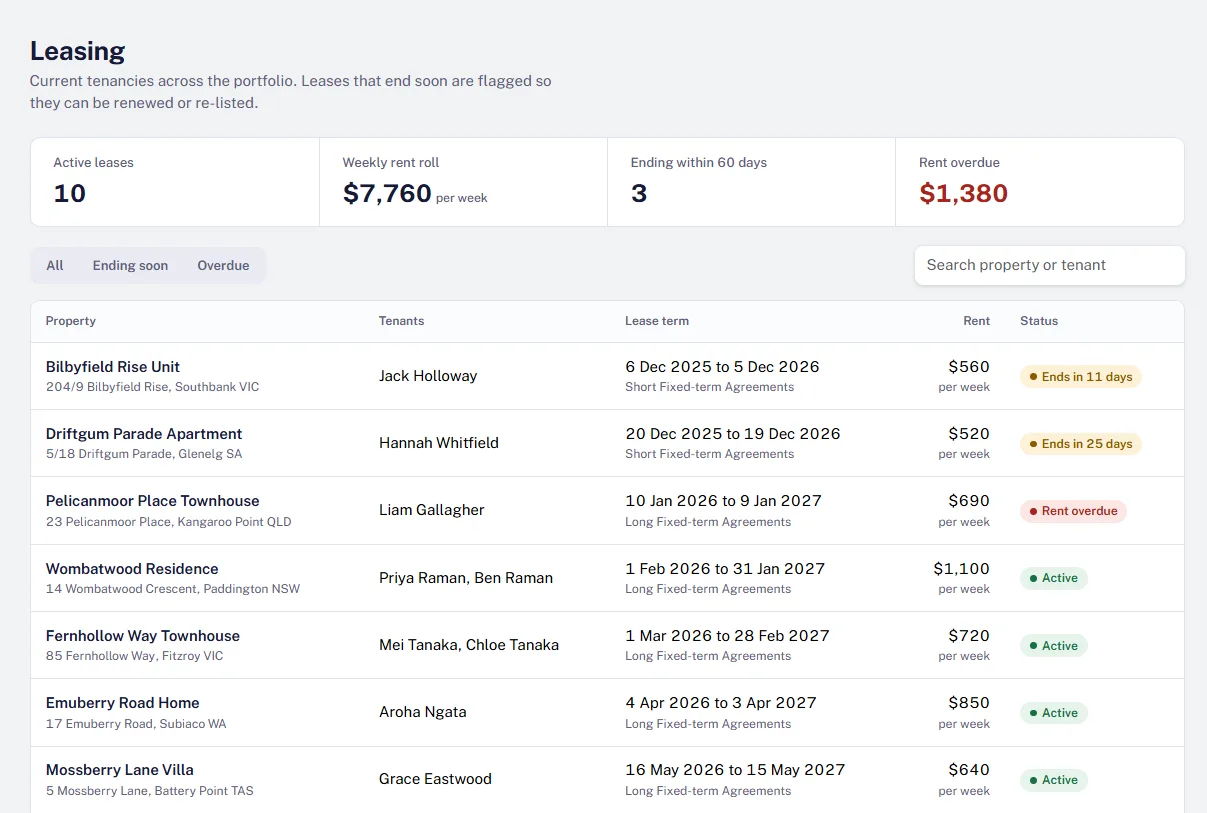
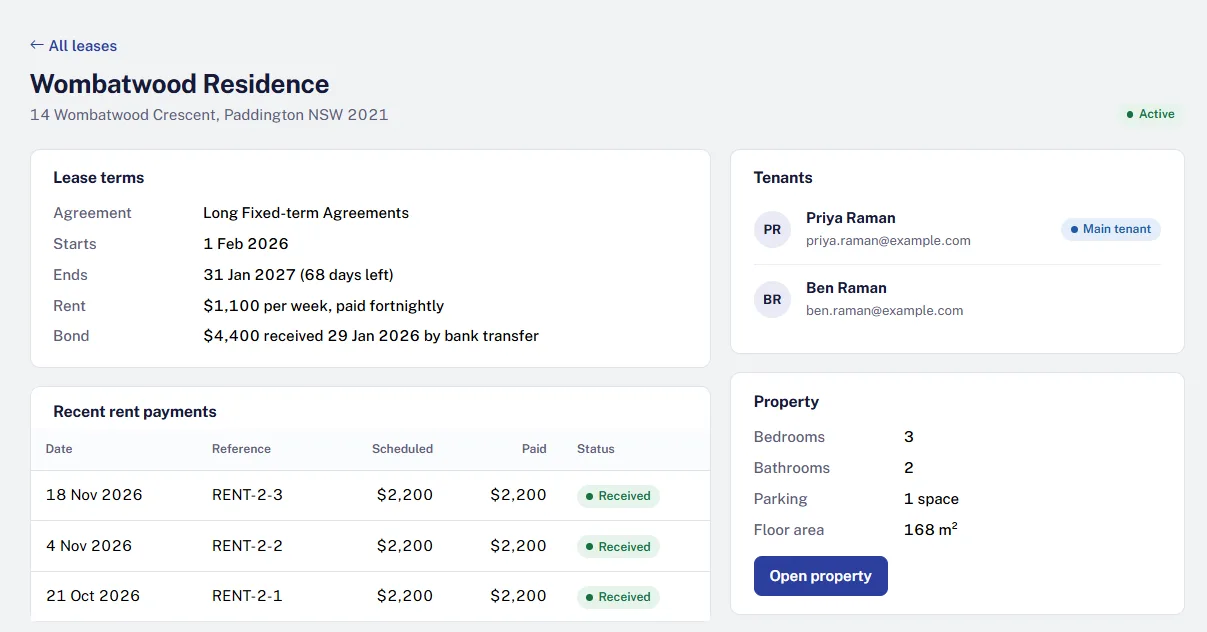
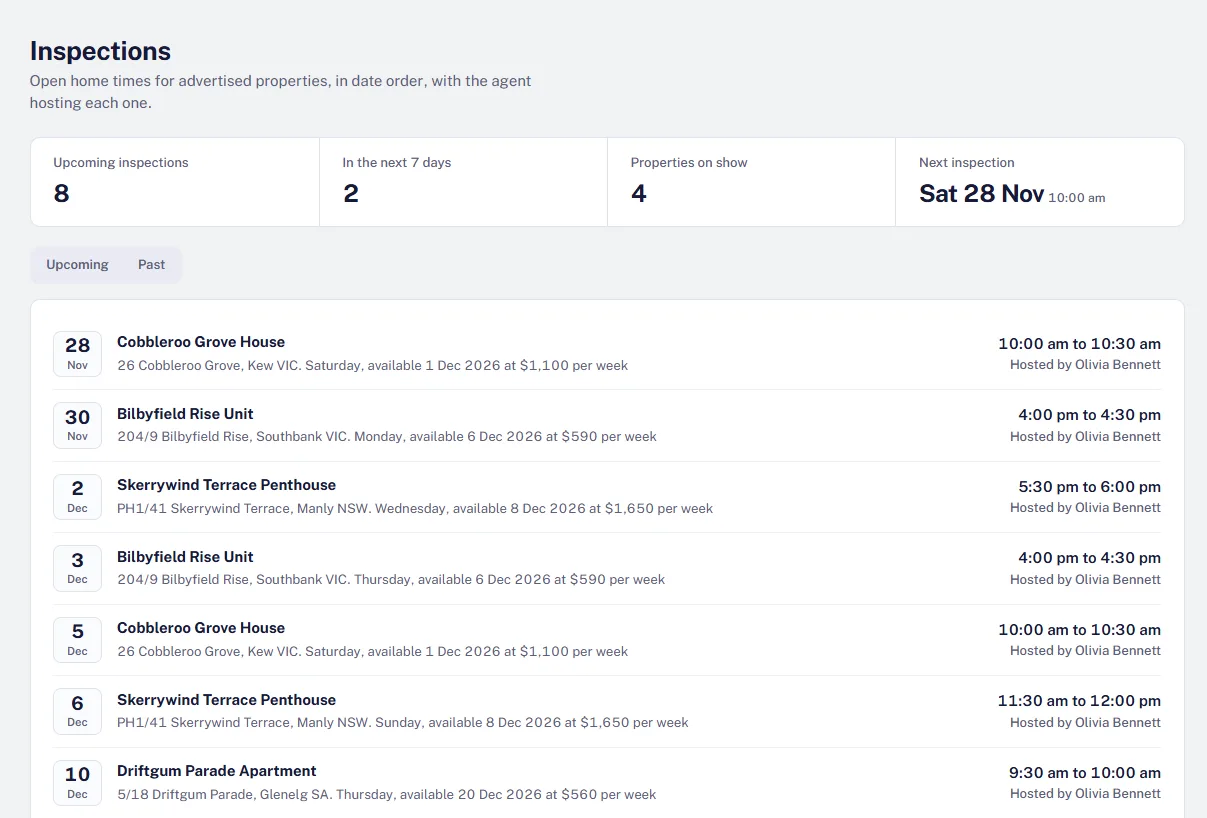
Everyday screens, rebuilt. A new web application replaces the old front end. It shares one generated connection to the platform with the company’s internal admin tool, so the two always agree on what the platform offers. The screens below show demo data.
Notifications and documents as their own services. Notifications were rebuilt as a service, replacing an earlier function-based one. Tenancy agreements and condition reports are generated by their own service, so document work does not compete with everyday platform use.
One pattern for every new service. A shared local setup and release pipelines give each new service the same starting point, so engineers can get going with a single command.
Before: one application
- Change made in one area
- Whole platform retested
- Whole platform released
- Other areas wait their turn
Now: separate services
- Change made in one area
- Only that service checked
- Released on its own
- Other areas carry on untouched
Decisions and trade-offs
Split along the existing business areas. Services follow the areas the business already thinks in, such as accounts, communications and property, so each one has a clear owner and purpose.
Move one area at a time. The original application keeps running while each area moves. The cost is running old and new side by side for a while. In return there is no cutover day and no stop to the business.
Give heavy or separate work its own service. Notifications and document generation run apart from everyday use, so a busy moment in one does not slow the other. The cost is more parts to run.
Share one generated connection. The web application and the admin tool both use the same generated definition of the platform, so they cannot drift apart. The cost is that a change to it is felt by both.
Use the same pattern everywhere. The first service took longer to set up. Each one after that starts faster and ships the same way.
How we worked
We work as part of the company’s engineering team on an ongoing basis. Each new service starts from the same shared setup and release pipeline, and the original application keeps running while each area moves, one at a time. Built with .NET, Blazor and SQL Server.
A new service
- Started from the shared setup
- Built and run locally with one command
- Released through the shared pipeline
- Runs and releases on its own
Outcome
Accounts, communications and property features can now be released and fixed independently, without retesting and releasing the whole platform each time. The web application and the admin tool can no longer drift apart, because both use the same generated connection. Document generation runs away from the main platform, and new engineers start from one command across a codebase of more than 20 repositories. The migration is continuing one area at a time, with no big-bang cutover.
Related service: Cloud Application Development
Let's identify 3 processes worth automating.
Small jobs are welcome. Tell us where your team spends time on repetitive work.