Automation isn’t about automating everything. It’s about knowing what to automate, what to simplify and where technology genuinely adds value.
If you run or manage operations at a small or mid-sized business, you’ve probably been asking which business processes should be automated, and where to begin. This article is how I think about it when I’m helping a business decide where to start.
The short version: some processes are worth automating, some need simplifying first, and some need AI where others are better served by a plain script. Telling them apart is most of the work.
Signs a process is worth automating
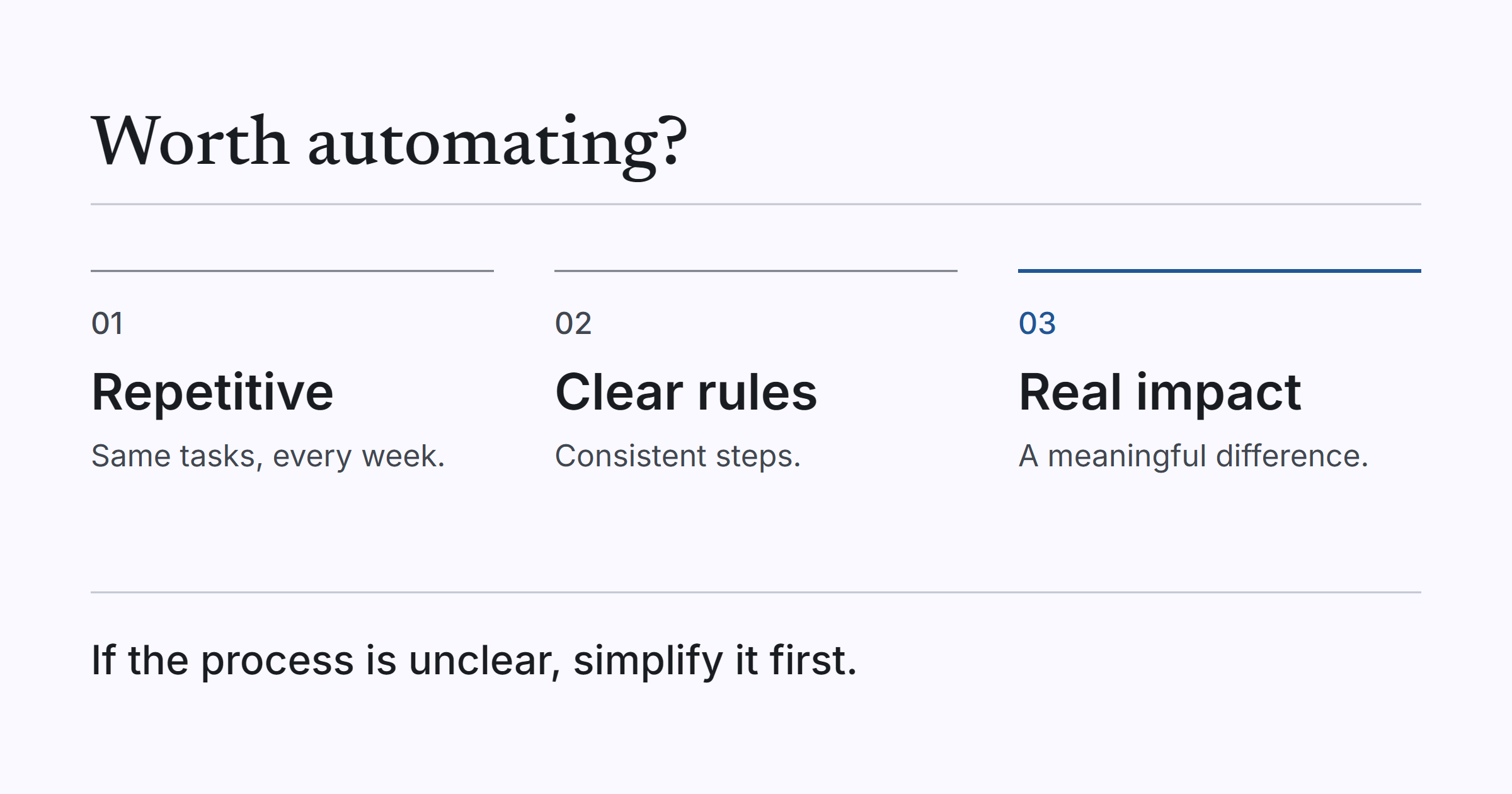
I usually look for three things.
The first is repetition. If people spend hours every week on the same predictable tasks, such as copying information between systems, generating reports or chasing updates, that’s a strong candidate.
The second is clear rules and predictable outcomes. If a process follows a reasonably consistent set of steps and decisions, there’s a good chance it can be automated reliably. If you can write the steps down and two people would follow them the same way, you’re in good shape.
The third is business impact. If automating something can save meaningful time, reduce errors, improve turnaround or free people up for more valuable work, it’s worth exploring.
The key question is whether automation will make a meaningful difference, not just whether something can technically be automated. Plenty of things can be automated. Far fewer are worth the effort.
When a process ticks all three boxes, it’s usually a good place to start. When it ticks only one, I slow down and look harder before anyone writes any code.
A small example of the repetition case is a proof of concept we built for a regional insurance agency. Staff were retyping the same client details into several insurers’ quoting portals, and we built a browser extension that carries those details across. It was a proof of concept, not a production rollout.
When to fix the process first
If a process is poorly understood, inconsistent or relies on people making decisions without clear guidelines, I’m reluctant to automate it straight away. Automating a broken process usually just helps you make the same mistakes faster.
Imagine a business where customer information is kept in spreadsheets, accounting software and project management tools, with different people updating different versions. Building an automation to synchronise everything might seem like the obvious fix.
Before doing that, I’d want to understand which system should be the source of truth, who owns the information and how discrepancies should be handled. Otherwise, we’re just automating confusion. The tools would dutifully copy wrong or conflicting data between systems, only faster and with less visibility.
Sometimes the most valuable first step isn’t automation at all. It’s simplifying the process and establishing some basic rules. That’s less exciting to sell, but it’s often the right call, and it makes any automation that follows far more reliable.
If you can’t say who owns a process, or two people would do the same job two different ways, that’s usually the sign. Agree the rules first, then decide whether automation is still needed.
AI or plain automation
There’s a tendency to reach for AI too quickly at the moment. If a task follows fixed rules, a conventional script or workflow automation is usually the better option. It’s faster, cheaper, more predictable and easier to maintain.
AI becomes useful when a process involves unstructured information, interpreting context, understanding natural language, extracting meaning from documents or handling inputs that don’t follow a predictable format.
Here’s how that plays out in practice:
| The job | What I’d use |
|---|---|
| Moving data between two systems based on fixed rules | Conventional automation |
| Processing invoices with different layouts and extracting the relevant information | AI can help |
| Reading incoming emails, understanding what the customer needs and categorising the request | A good AI use case |
| Making a payment or updating financial records | Deterministic rules and validation, even if AI helps interpret the incoming information |
The invoice row is the one most businesses recognise. When every supplier lays out an invoice differently, a fixed template breaks constantly, and reading the document is exactly the kind of interpretation AI is good at. That’s the territory of AI document processing.
The last row matters just as much. Even when AI does the reading, the step that moves money or changes a financial record should run on fixed rules and checks, not on a model’s best guess.
My general rule is simple: use AI where judgement or interpretation is needed, and conventional automation everywhere else. Often, the best solution combines both. AI reads the messy input, and rules and validation take over from there.
Reaching for AI on a fixed-rules job doesn’t make the result smarter. It usually just makes it slower to run and harder to predict, which is the opposite of what you want from something that runs unattended.
Common mistakes when choosing the first process
The biggest mistake I see is choosing something because it looks impressive or because it’s currently frustrating someone, rather than looking at where the business is actually losing the most time or money. The loudest complaint and the biggest cost are not always the same thing.
Another common mistake is focusing on individual tasks instead of the entire workflow. Automating the creation of a document might save five minutes. But if someone still has to manually collect the information, verify it, send it, chase approvals and update three different systems, most of the underlying problem remains.
I’d rather understand the whole process, identify the biggest bottleneck and work backwards from there.
Sometimes the best starting point isn’t the most visible problem. It’s a small, repetitive task that happens hundreds of times a month. Nobody gets excited about it, and nobody puts it in a presentation, but it’s often where a modest piece of automation does the most good.
Where to start
Pick one process and put it through the questions above. Is it repetitive? Does it follow clear rules? Would automating it make a meaningful difference to the business? Is the process itself understood well enough to automate, or does it need simplifying first? And if it involves messy input, is that a job for AI, with fixed rules handling everything after it?
If you’d like a second opinion, that’s what our Automation Discovery is for. We look at the whole workflow, find the biggest bottleneck and tell you honestly whether to automate it, simplify it or leave it alone. Discovery is from $2,000. If you have a process in mind, ask us to assess it.